01
Create your font
Upload a clear photo and preview your handwriting font.
Create a TTF from your handwriting, install it, and type in desktop Word. Already have a font? Jump to installation.
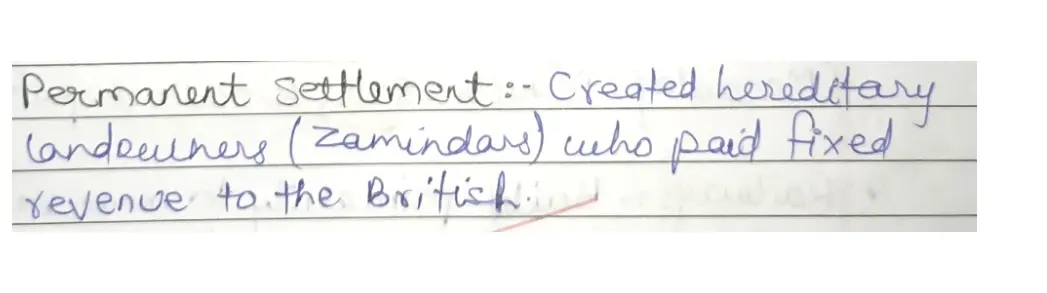 Typed with the generated font
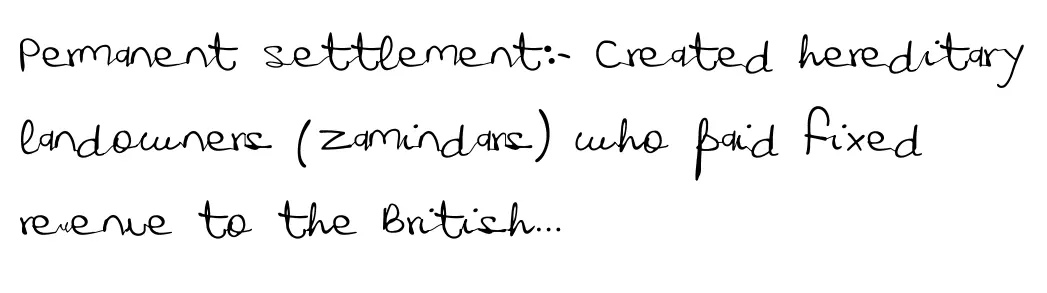
Upload a clear photo and preview your handwriting font.
Save the .ttf from your project. Unzip it first if needed.
Install the font, reopen Word and choose its name from the font menu.
Usage illustrations
Open the .ttf file and select Install in the font preview. Close and reopen Word, then choose the installed font from Home → Font.
Open the .ttf file and install it using Font Book. Reopen Word and choose the font from the font menu.
These steps are for desktop Word. A locally installed font may not appear in Word for the web.
Use the same account in Handwriting AI to turn your text into handwritten images and PDFs.
Handwriting AI ↗800 credits on delivery, including style completion. 30 total if the photo is rejected or you stop after its check.
View plansInstall the TTF, then fully restart Word. Look for the font’s family name, which can differ from its file name.
Published examples are free to try. Creating a handwriting-restoration font is paid; installing your downloaded TTF uses no credits.
The recipient may need the font installed, or embedded where Word and the font permissions allow it. To share a read-only copy, export to PDF and check the result.
Yes, if the photo has clear, complete words and enough handwriting. See the page about a loved one’s handwriting for photo tips.