Font creation guides
Learn how to create your own font from a description, a lettering image or your handwriting. Follow the steps, compare examples and download your font.

How to Make Your Handwriting a Font That Keeps Your Letter Shapes
Upload a photo, restore usable letters from your writing, and fill gaps in the same style.
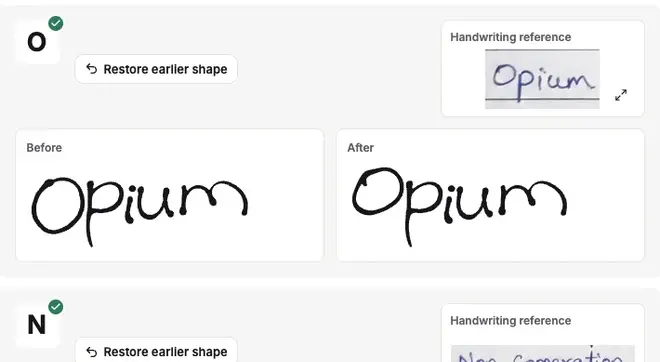
How to Edit a Handwriting Font by Adding Another Page
Improve a handwriting font with another page by the same writer. Upload a photo, choose characters, check the words used for them and compare every change before you download.
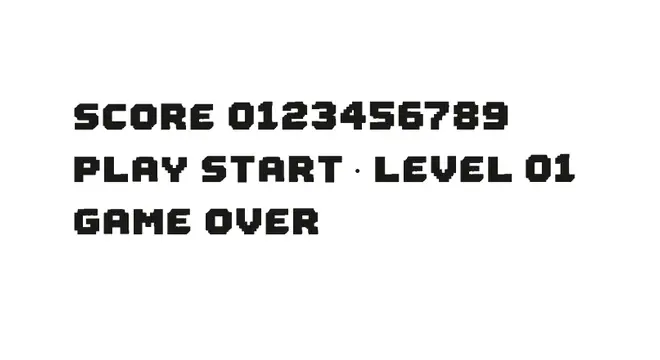
How to Edit a Style Font Made from a Description or Image
Learn how to edit a style font you created from a description or image. Describe changes to letter shapes, compare versions and download the edited font as a TTF.
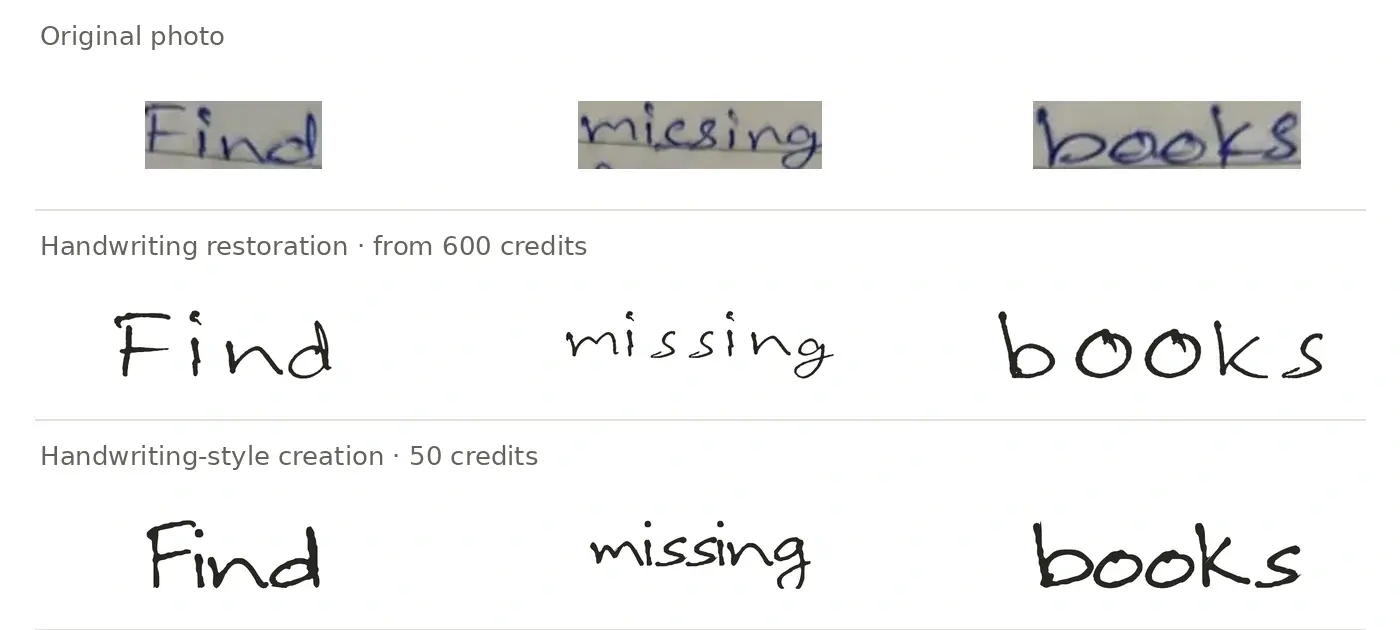
Handwriting Font or Style Creation: Which Should You Choose?
One path keeps your letter shapes; the other makes a new font inspired by your writing.
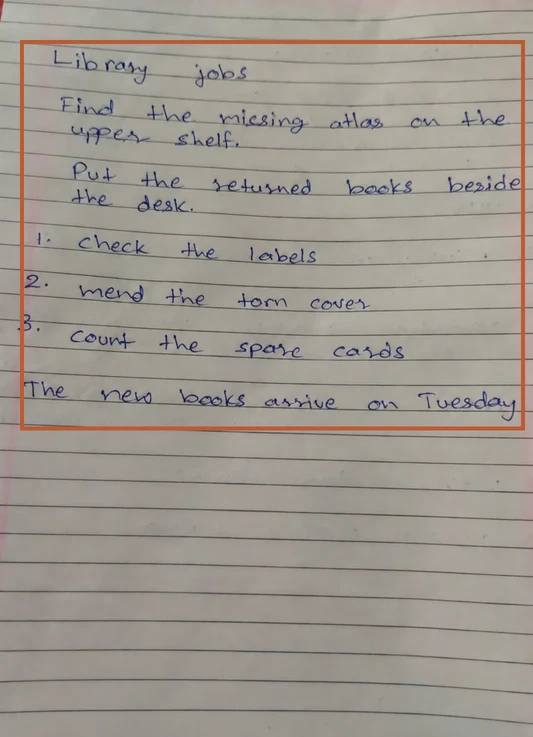
Create a Font Inspired by Your Handwriting Style
Use your handwriting as style inspiration. The generated letters may differ from your original. Not a letter-by-letter restoration.
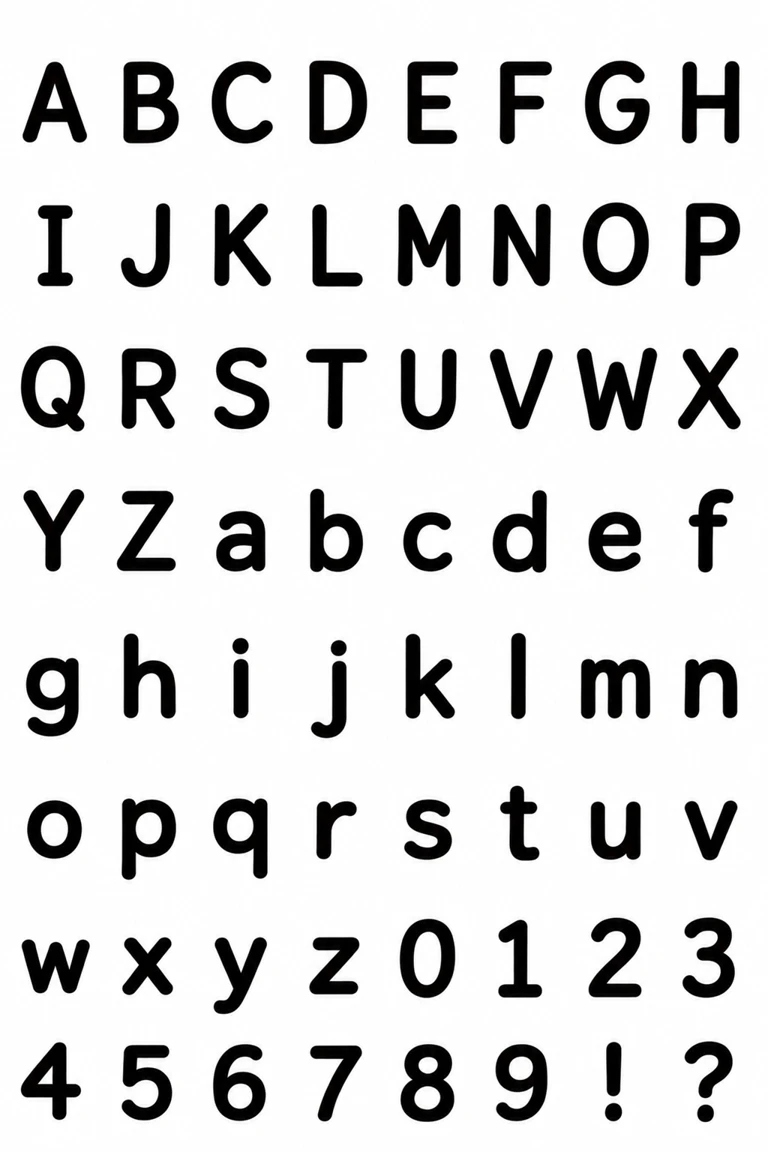
How to Create Your Own Font from a Description
Learn how to create your own font: start with an idea, describe the letters you want and download a font you can type with. No design software needed.

How to Create a Font from an Image
Create a font from an image: choose a useful reference, check language and credit cost, compare the generated letters and download your installable TTF.

PNG to Font: How to Turn an Image into a Font You Can Type
Have handwriting or lettering saved as a PNG or JPG? See which images can become a font, how to create one online without design software, and whether you need a TTF or an OTF.
A loved one’s handwriting
Create a font from letters, notes or handwritten recipes your loved one has already written. Use it to type new words in a familiar hand.
Your handwriting in Word
Create a TTF from your handwriting, install it, and type in desktop Word. Already have a font? Jump to installation.
Your child’s handwriting
Use a photo of a story, card or school page your child has already written. Then type new words in their handwriting for keepsakes, cards and gifts.
Your handwriting on Cricut
Create a TTF from a photo of your handwriting, install it on your computer and use it in Design Space for cards, labels, vinyl and gifts.
A Santa handwriting font
Create a script font nobody else has for letters from Santa, so the writing doesn’t look like yours. Describe the style, try your letter and download a TTF.
Handwriting font makers compared
Most handwriting font makers ask you to write every character on a template. Others start from drawn letters or from a photo of writing you already have. Here’s how five tools compare.
AI font generators compared
“AI font generator” can mean a tool that makes an installable font, one that makes an image of styled text, or a copy-and-paste text styler. Here’s what five tools actually give you.