Cards and invitations
Add names and messages in your own hand.
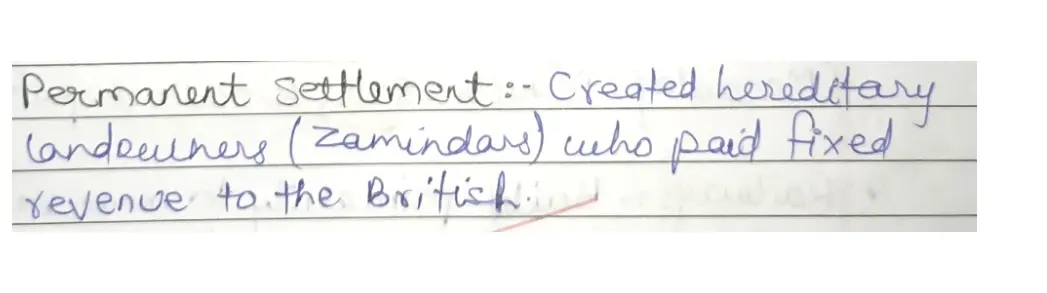
Create a TTF from a photo of your handwriting, install it on your computer and use it in Design Space for cards, labels, vinyl and gifts.
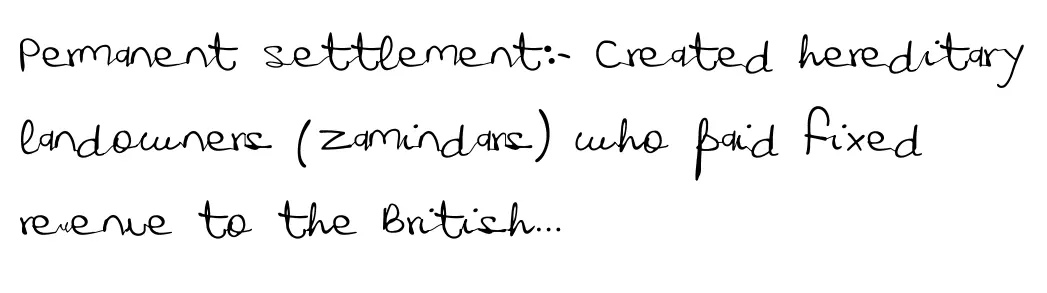
 Typed with the generated font
Add names and messages in your own hand.
Label jars and boxes the way you’d write them.
Cut quotes for mugs, frames and signs.
Usage illustrations
Download the .ttf and install it on Windows or Mac like any other font. Then close Design Space completely and open it again.
Add text, open the font list and filter by System. Look for the font’s family name, which can differ from its file name.
Usage illustrations
Joined letters in a script font overlap. Select the text and use Weld so each word cuts as one piece.
Your font is an outline font, so with Draw a Cricut pen traces the outline of each letter. For solid lettering, cut it from vinyl or paper, or use Print Then Cut.
Fine handwriting can be hard to cut and weed at small sizes. Start larger and test on scrap material.
Use the same account in Handwriting AI to turn your text into handwritten images and PDFs.
Handwriting AI ↗From 600 credits on delivery, including 22 restored characters and style completion; 20 for each further restored character. 30 total if the photo is rejected or you stop after its check.
View plansYes. Install the TTF on your Windows or Mac computer, restart Design Space and choose the font from System fonts. These steps are for Design Space on a computer.
Close Design Space completely and reopen it after installing. Search for the font’s family name rather than the file name, and make sure the System filter is selected.
Script letters overlap where they join. Select the text and use Weld to merge each word into one shape before cutting. Welded text can no longer be edited, so keep an unwelded copy.
The price is shown before you start. Delivery includes style completion; a rejected photo or stopping after the photo check incurs only the review charge. If a task is paused for a technical or quality issue, your project and reserved credits are kept for review.