Screenshots show the English interface. Description results come from a real local task; image and handwriting results use published examples. Your font will depend on your input.
01Choose restoration or quick creation
For a closer match to your own letter shapes, open handwriting restoration. It uses your photo as a source for characters that can be restored, and completes the rest in your handwriting style.
For a quick font inspired by your writing, choose Handwriting-inspired style in image creation. That option has Balanced and High quality tiers and can differ from the original. This guide follows the restoration route.
Use notes, a letter, a journal page or a fresh sample written in your normal style. Include uppercase and lowercase letters, varied words, numbers and punctuation where possible. More different readable characters give the font more original shapes to work from.
Keep the page evenly lit and in focus. Upload it upright in its normal reading direction, with complete strokes visible. Use one consistent writer and style; avoid photos dominated by printed forms or writing too small to read.
See an example · Coastal Notes
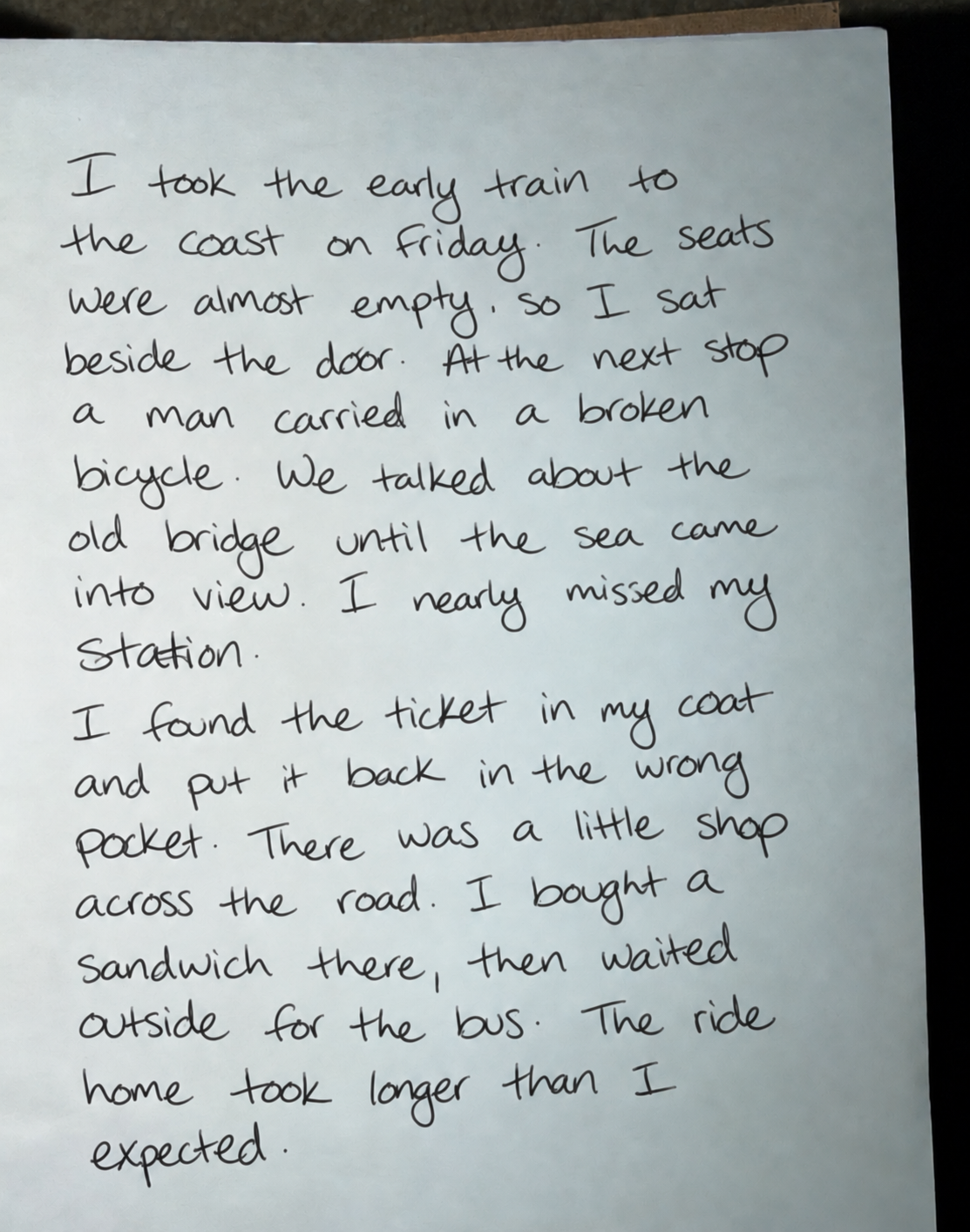
Example handwriting photo
Synthetic handwriting sample for upload guidance.
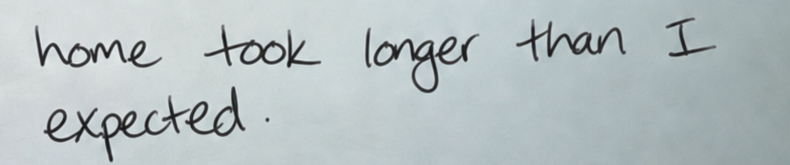
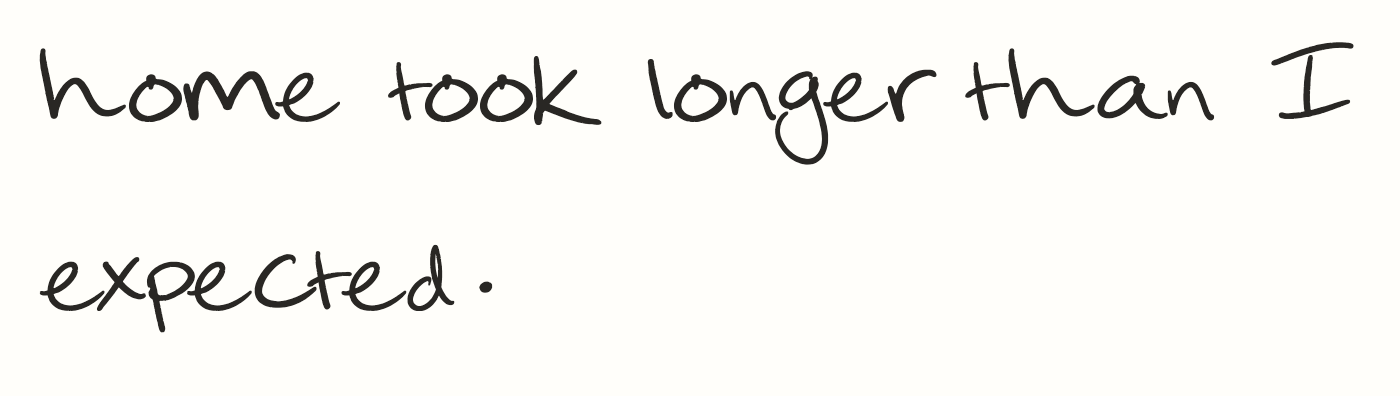
Original handwritingRestored font
Coastal Notes uses an AI-generated handwriting sample as its input. The comparison shows that sample beside text typed with the actual font made from it. This illustrates the workflow; it is not a customer’s handwriting or a guarantee of your result.
Sign in and open handwriting restoration. Choose Upload your handwriting, select your photo and check the preview. You do not need to build a character grid or select each letter yourself.
Use the dedicated handwriting page. Select your photos in the highlighted area.
Review the displayed credit cost before submitting. Successful restoration currently costs 800 credits in total; style completion is included. A confirmed input rejection or choosing to stop at the reference confirmation costs 30 credits. Check Pricing for current rules.
If the photo provides too few usable character references, the task asks whether you want to continue. Read the number of characters with references and the number that will be created in the same style.
Choose Continue with style completion to proceed at the normal generation price, or Stop this task at the displayed stop cost. A completed character is a style-based addition, not a recovered letter that the writer actually provided.
05Follow the progress
Follow the stages while your font is being created. You can leave the page and return to the task in My fonts.
A real description task at the letter-shape stage. The marker highlights its current step.
06Try the font in real words
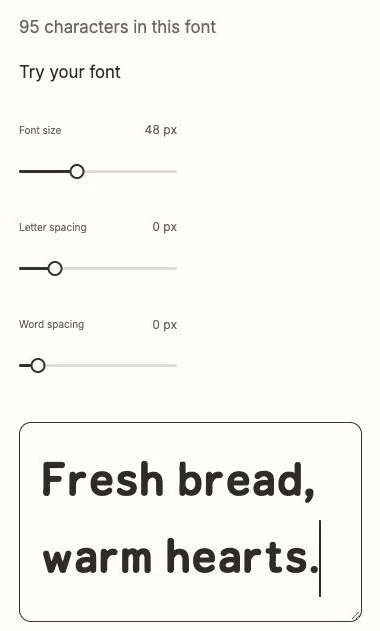
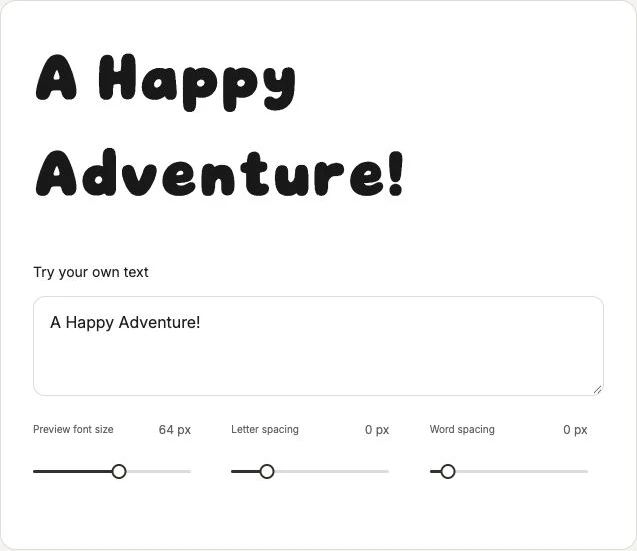
When the font is ready, type a sentence from your photo and compare it with the original. Then try different words, capitals, numbers and punctuation to see how the font reads beyond the sample.
Coastal Notes: try the actual handwriting font in the highlighted field, then adjust the preview size.
Original shapes are restored where reliable references can be used. Missing or unreliable characters are created in your style, so a complete character set does not mean every letter is an exact reproduction. The result can vary with the photo and the writing.
Open the completed task and choose Download TTF. Keep the downloaded file so you can install it or upload it to an app that accepts custom fonts. Check that app’s font requirements before planning your project.
The highlighted control downloads this published example. In your completed studio task, use Download TTF; example access rules do not describe your own font download.
Generated fonts may be used commercially. Make sure you have permission to use any reference images or handwriting you upload. Installing or uploading the font in another app is a separate step from creating it here.
Choose between a written description, a style image and your own handwriting. Create a custom font in FontKind AI, test it with your words and download the TTF.
Turn a lettering image or sketch into a new font. Prepare your reference, choose Style image, test the generated letters and download a TTF in FontKind AI.
 FontKind