FontKind
Balanced or High quality?
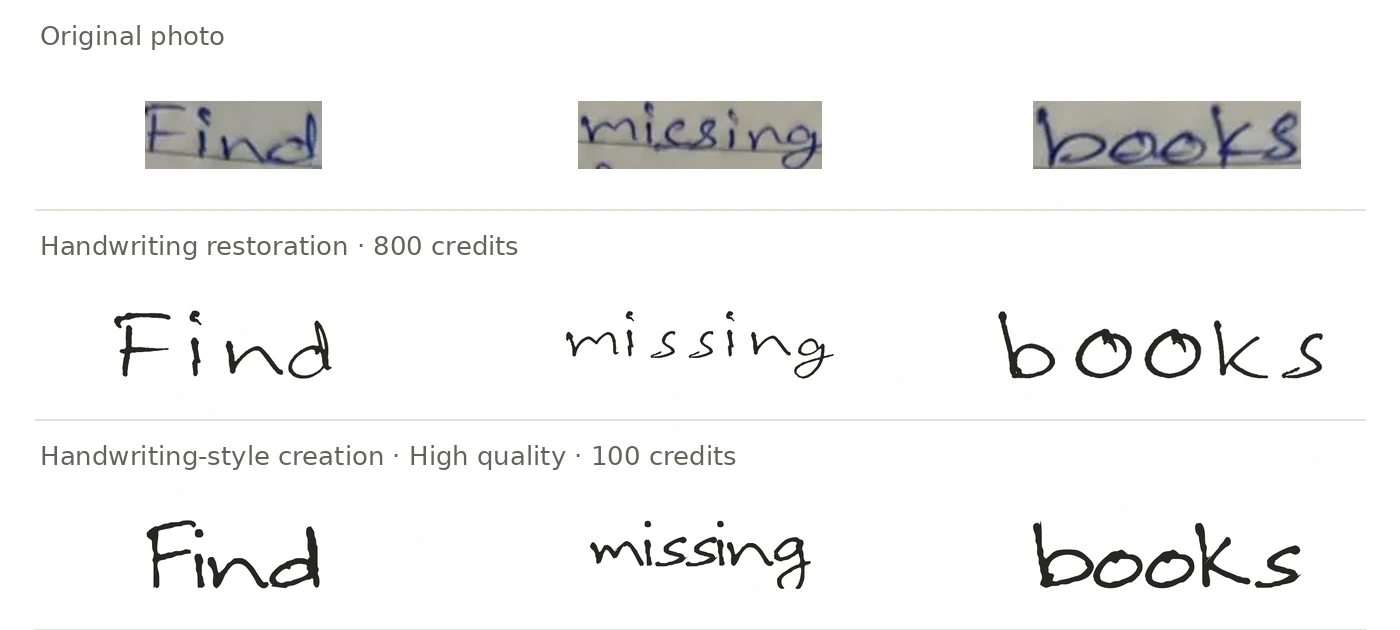
Balanced costs 50 credits; High quality costs 100 credits and requires an active Pro or Max plan. Both create a new font inspired by your handwriting. Compare the letter shapes and spacing below before choosing.
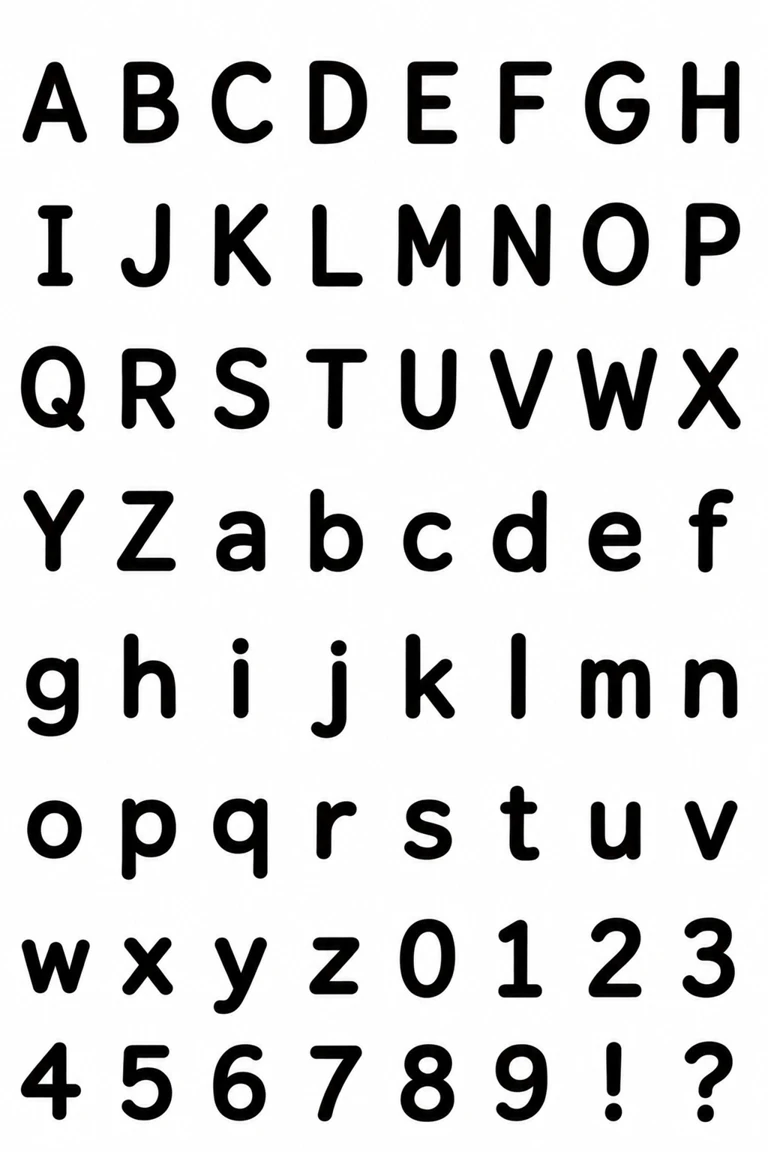
Individual characters
Words
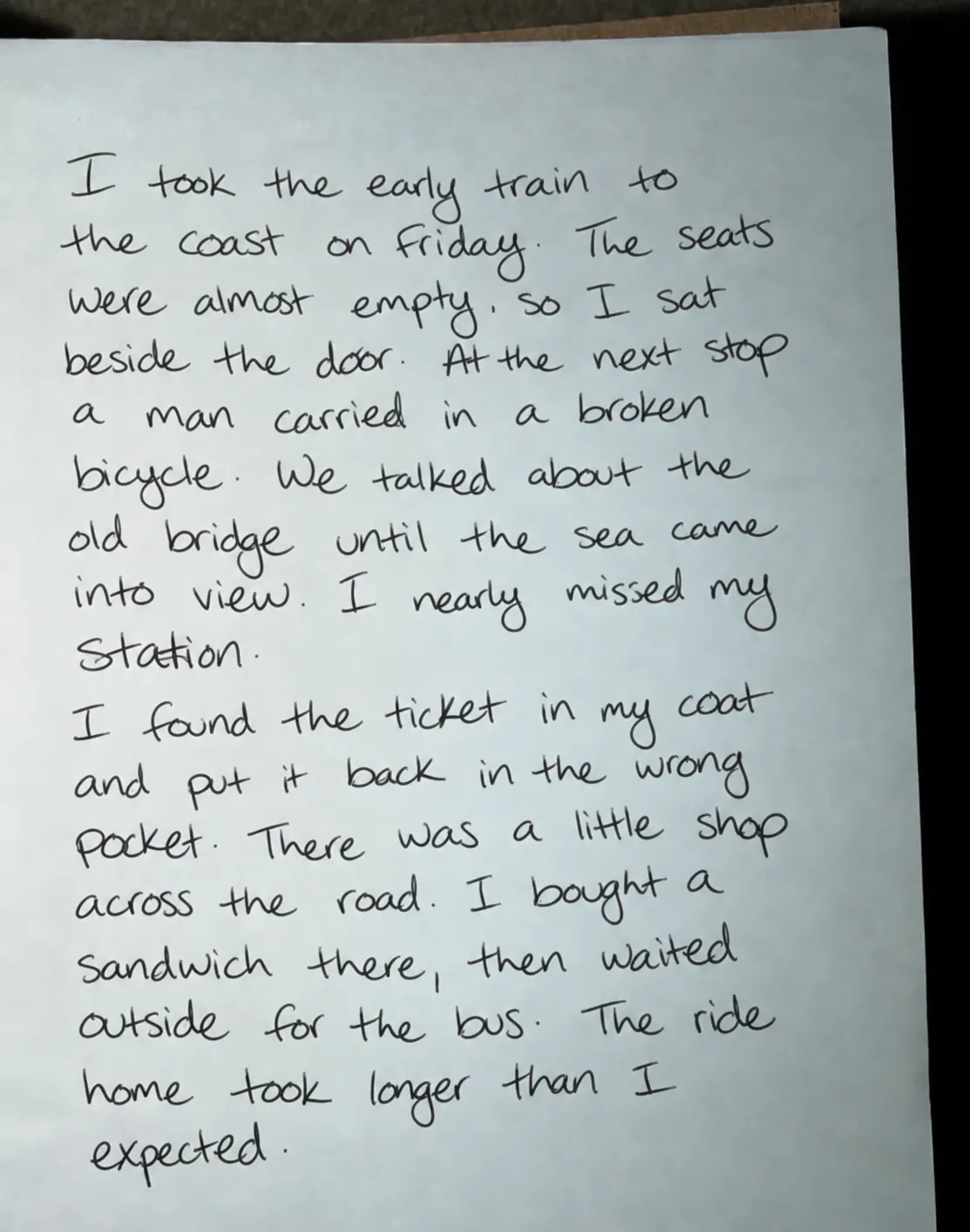
A full sentence
The examples are scaled to similar visible letter heights so you can compare shapes and spacing.
These examples were created locally to illustrate the quality settings. Your result may differ.
Try a sentence in both fonts
Choose a clear photo
Pick a sharp photo with several complete lines in one handwriting style. Keep dots, long strokes and a little space around the writing visible. You can select the area to use before creating your font.
Upload and check the preview
Open handwriting-style creation and click Upload your handwriting. Check the preview. To use a different photo, click Replace reference image.
Choose quality and create
Choose Balanced (50 credits) or High quality (100 credits), then click Create font. You’ll need an active Pro or Max subscription for High quality.
Check the photo’s direction
After you choose a quality setting and click Create font, the handwriting reference window opens. If the text is sideways or upside down, use Rotate left or Rotate right until it reads upright. Each click turns the photo 90°.
Select your handwriting and confirm
Drag the box to select the handwriting you want to use. Move or resize it to keep complete letters, or choose Use full image. Check that the writing is upright, then click Confirm and create font.
Create a handwriting-style fontTry your words and download
When the font is ready, type your own words to check the shapes and spacing, then download the TTF. It includes 95 characters: basic English letters, numbers, punctuation and a space.