Which images can become a font?
A font needs letters, numbers and punctuation you can type, but your image doesn’t have to show all of them. What matters is what the image contains.
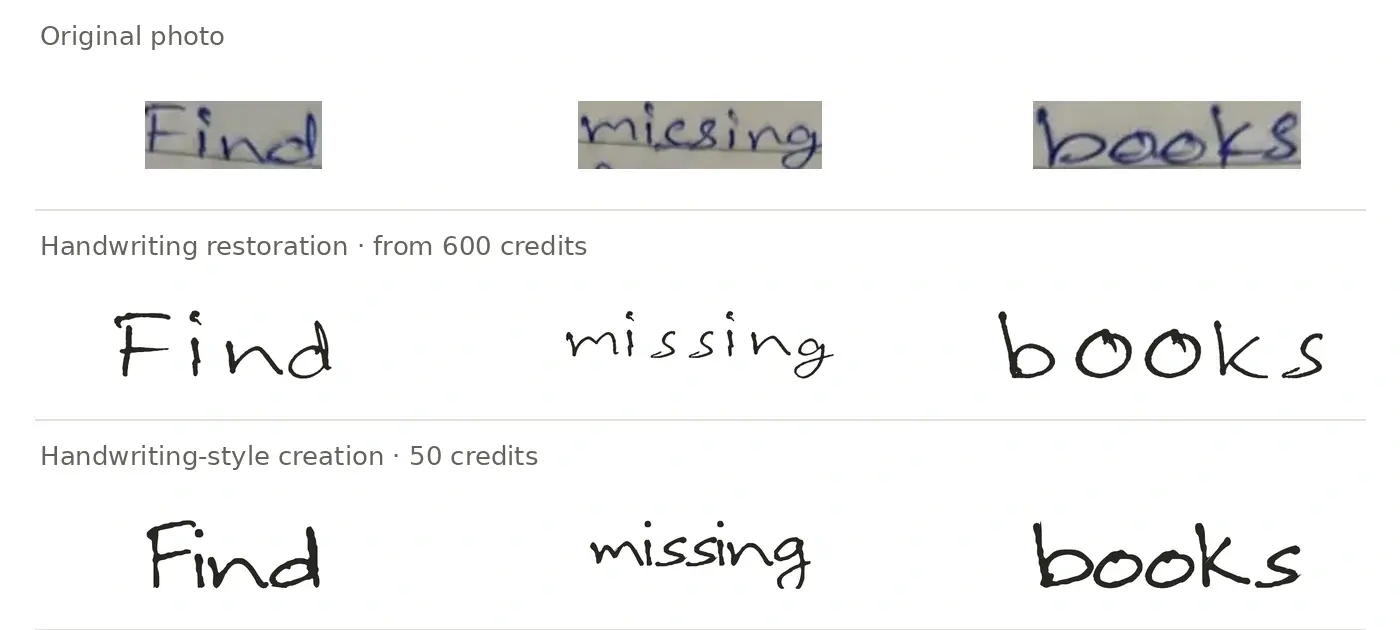
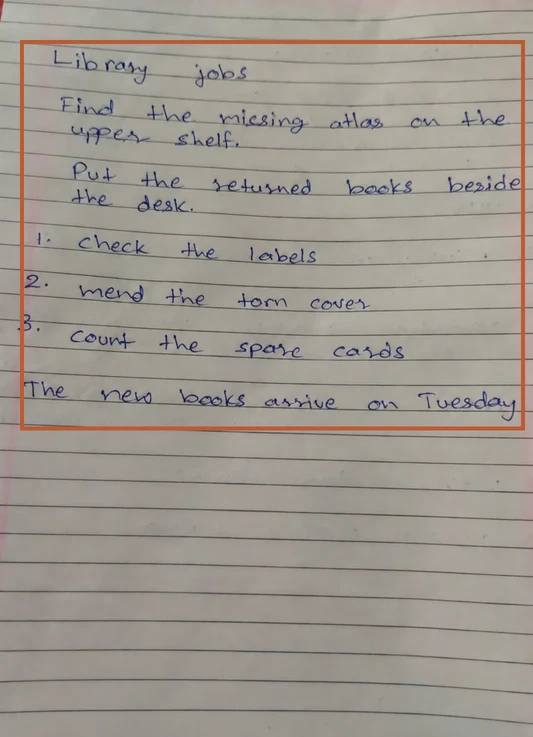
Handwriting: a photo or scan of your notes, a letter or a page you wrote. Use a handwriting font to keep your own letter shapes. Characters missing from the image are completed in the same style.
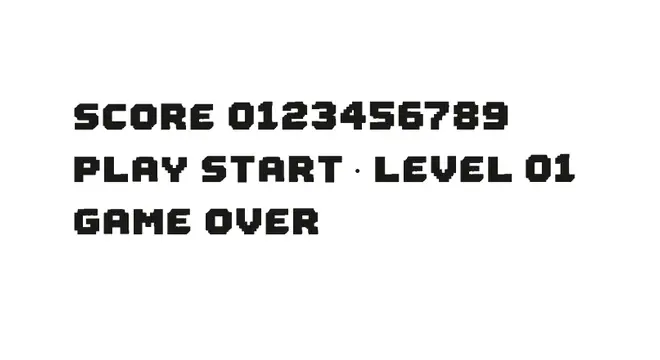
Lettering or a visual style: a logo-style word, a poster, a screenshot or a sketch. Use image to font to create a new font in a similar style. Letters that aren’t in the image are designed to match.
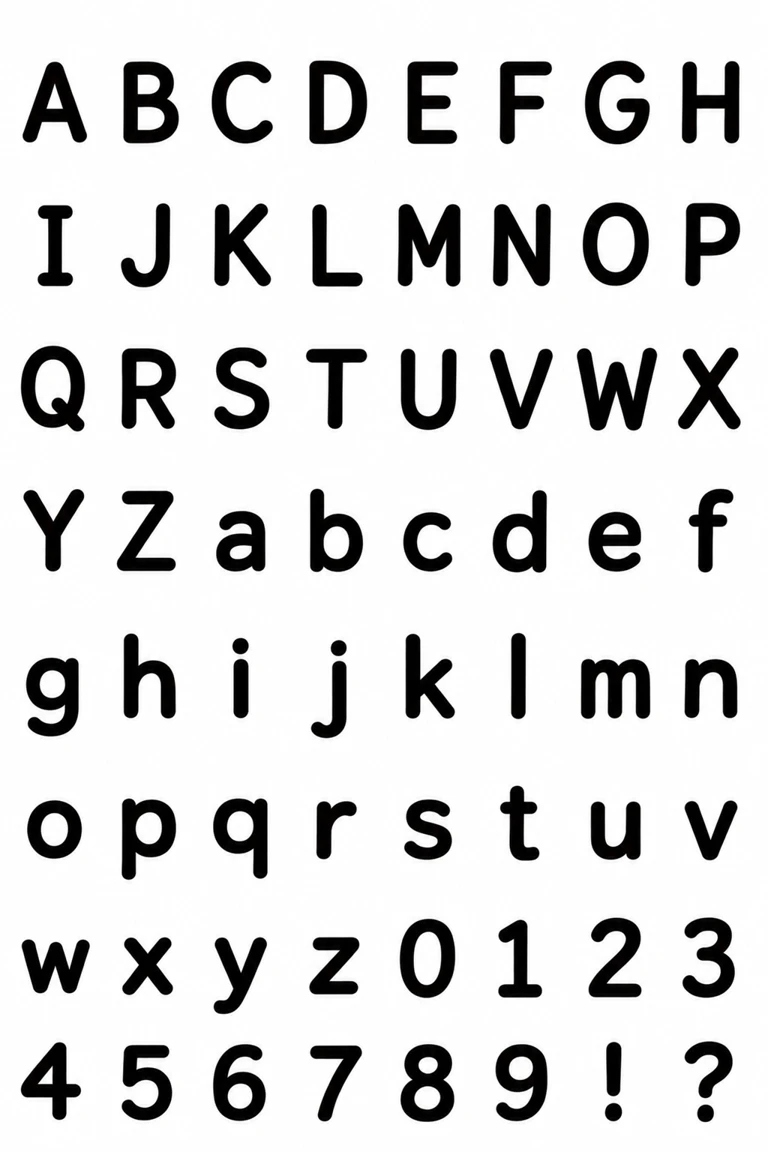
An alphabet already drawn letter by letter: if every drawn letter must be copied exactly, point for point, use a font editor that traces each letter. We create a font from your image rather than tracing each letter separately.
Prepare your PNG or JPG
Upload a JPG, PNG or WebP image up to 8 MB. Crop away anything you don’t want to use, keep the strokes sharp, and make sure no letters are cut off at the edges.
If your PNG has a transparent background, check the preview after uploading to confirm the letters are clearly visible. Working from an SVG or PDF? Export it as a PNG first. Use images you own or have permission to use.
Create the font online
For lettering or a style, open Style image. For your own writing, open Handwriting font. Upload the image, choose the font language and check the price before you create. No design software or alphabet template is needed.
New accounts get 50 free credits, enough to try one style-image font in Balanced quality.
PricingTry the font in real words
Try a few words from your reference, then something new. Look at the shapes, weight and spacing. The font takes its style from your image, but individual letters can differ.
Do you need a TTF or an OTF?
Your font downloads as a TTF file. TTF and OTF are both standard font formats, and for typing with a personal font the difference rarely matters. A TTF installs on Windows and macOS and works in apps that use installed fonts, such as Word, Pages, Adobe apps and Cricut Design Space. You don’t need to convert it to OTF.
How to use your handwriting font in WordDownload your TTF
Click Download font on the finished task. Install the file on your computer, or add it to an app that supports custom fonts. You can use the font commercially.